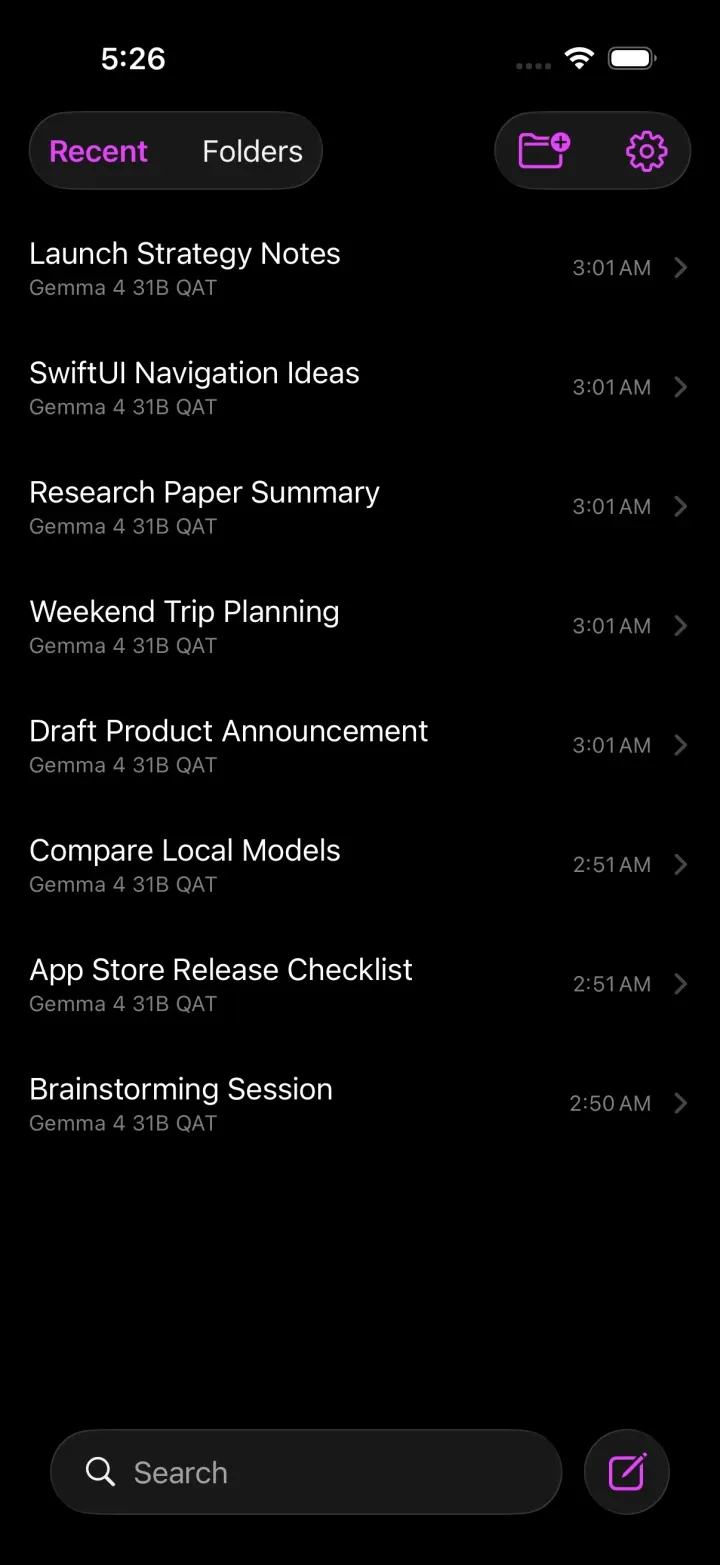
LLMster connects straight to your LM Studio server and streams chat, reasoning, tool calls and vision — in a fast, private app that feels like it shipped with iOS.
Runs the open models you already love
Whatever your model supports, LLMster renders it natively — with the same care Apple gives its own apps.
Answers appear as the model generates them, formatted as you'd expect — paragraphs, lists and syntax-highlighted code — with no wait for the full reply.
For models that think before answering, the reasoning is kept in its own collapsible section — expand it to follow the logic, or leave it tucked away.
Connect your tools and the model can actually do things — look something up, query a database, file a ticket — and show its work as it goes.
Hand the model a screenshot, a photo, or a page of handwriting and just ask. The answer comes straight back in the same conversation.
LLMster talks only to the LM Studio server you point it at. No telemetry, no accounts, no third-party cloud in the path.
There's no LLMster sign-in and no copy of your conversations sitting on our servers. Your history stays between your device and the server you chose.
Voice chat uses on-device speech recognition. Talk to a model that's running on the machine in the next room — and nowhere else.
Keep your models on the machine that can handle them — a server in the closet or a workstation that never sleeps — and reach them from your phone. Run LM Studio, or just the standalone llmster daemon. Point the app at the host and start chatting.
A fast 4B for quick questions, a 30B that reasons, a vision model for screenshots — switch between them in a tap, without ever leaving the conversation.
Attach an image and ask. LLMster sends it to any vision-capable model on your server and renders the answer right in the thread — pictures are downscaled and kept on your device.
Start a hands-free conversation and trade turns with your local model in real time. LLMster listens with on-device speech recognition and speaks the reply back with on-device text-to-speech — the whole exchange stays on your hardware.
Every chat carries its own settings. Switch integrations on for the task at hand, give the model a role, and decide exactly how much of its work you want to see.
Kick off a long reply, then go do something else. LLMster tracks it from the Dynamic Island and taps you on the shoulder the second your model finishes — fired right on your phone, with no push servers in between.
Point it at LM Studio, choose a model, and start talking. Free, local, and native to Apple.